
Null’s Brawl iOS
Version : v69.252
Size : 1170 MB
Nulls Brawl v69.252 Cosmo, Vince & Duolingo Event : Live Now.
Null’s Brawl iOS v69.252 is here, bringing the Cosmo & Vince update to your iPhone and iPad: two new brawlers Cosmo and Vince, the new Brawler Blast unlock system, a Duolingo boss mode, Hide and Seek, and new seasonal skins, all with unlimited resources and no jailbreak required. Join over 30M+ players on the most trusted iOS mod.
What is Null’s Brawl iOS
and Why You’ll Love It
Null’s Brawl iOS is the iPhone and iPad version of the Null’s Brawl private server, delivered as an IPA file, the iOS equivalent of an Android APK. Same server, same unlimited gems and coins, same fully unlocked Brawlers. The only real difference is how it gets onto your device.
Let’s be honest about that part up front: installing an IPA on iOS is harder than installing an APK on Android. Apple doesn’t allow apps from outside the App Store with one tap, so you’ll sideload the game instead. It sounds scarier than it is, with the right method it takes about ten minutes, and no jailbreak is involved at any point. We walk through every method below, including one that needs no computer at all.
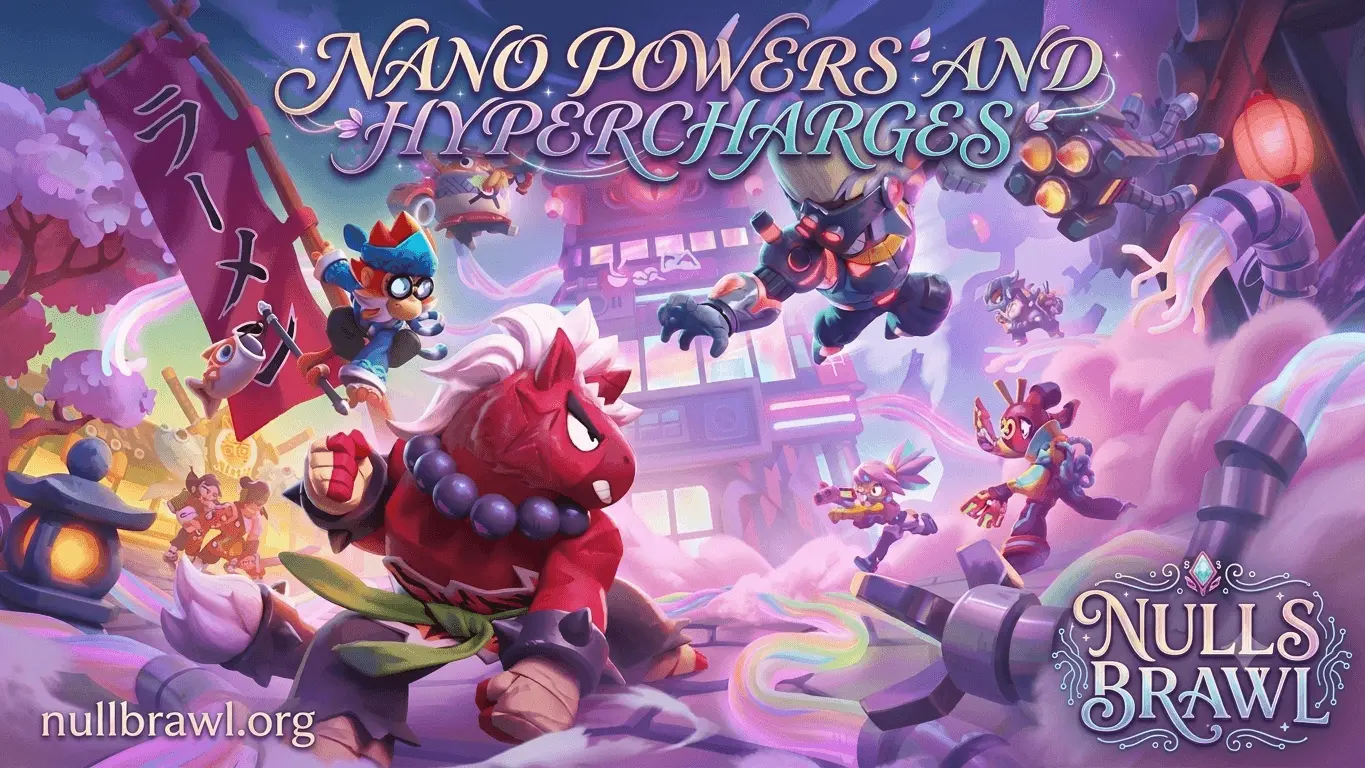
New builds available: we’ve uploaded fresh builds that fix two specific problems. If the game crashes when you add a new friend on Android, grab the latest APK. If content is missing (custom modifiers, shop boxes) when running the game inside LiveContainer on iOS, download the new iOS build and do a clean reinstall, that’s the confirmed fix.
Android user? Head to the Null’s Brawl APK page instead installation there is a two minute job.
| Name | Nulls brawl IOS |
| Size | 1170 MB (1.4 GB after installation) |
| Updated | 2 Hours Ago, |
| Latest version | V69.252 |
| Total Downloads | 30M+ |
| Minimum IOS Version | 12.0+ |
| Price | Free |
What’s New in Null’s Brawl IPA v69.252?
The 2026 v69.252 update adds two fresh brawlers, Cosmo and Vince, plus systems that genuinely change how matches play out. Between the new Brawler Blast unlock system, the Duolingo boss mode, and the Royal Academy seasonal content, every session gives you something new to try. Both brawlers come fully maxed the moment you install, so this is the best time to jump into Nulls Brawl and start dominating with fresh power.

Cosmo — Mythic Controller
Cosmo is the lead astronomer at Starr Park’s Observatory and the first member of a new Scientist Trio. His Orbit attack fires three projectiles that travel in a circular path, growing bigger and hitting harder the farther apart they drift, so spacing is everything and he is dangerous at range. His Super, Gravitational Pull, fires a magnet that latches onto an enemy, and while it holds, every projectile from Cosmo and his teammates gains extreme homing toward that target. His Gadgets knock enemies back and lock down their movement, and his Star Powers speed up his orbit or reload ammo on a Super hit. On this server he arrives fully maxed, so you can master his projectile control from match one.
Vince — Mythic Damage Dealer
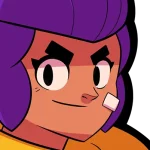
Vince runs the Creepy Café next to Juju’s Oddities Shop, tending both his espresso machine and his many-legged friends. Caterpillars spawn near him all match long, and hitting them with a coffee attack or walking over them turns them into moths that power up his Super, up to a maximum of 20. His Espresso Shot throws a coffee mug for damage, and his Super, Barista Barrage, marks enemies with a Caterpillar debuff that makes his main attacks hit them harder. He loses half his collection when defeated, so staying alive to build up moths is the whole skill. Expect him controlling space and punishing careless pushes in Gem Grab, Bounty, and Knockout.
Key Features of
Null’s Brawl iOS
Null’s Brawl iOS offers a wealth of exciting features that set it apart from the official game.
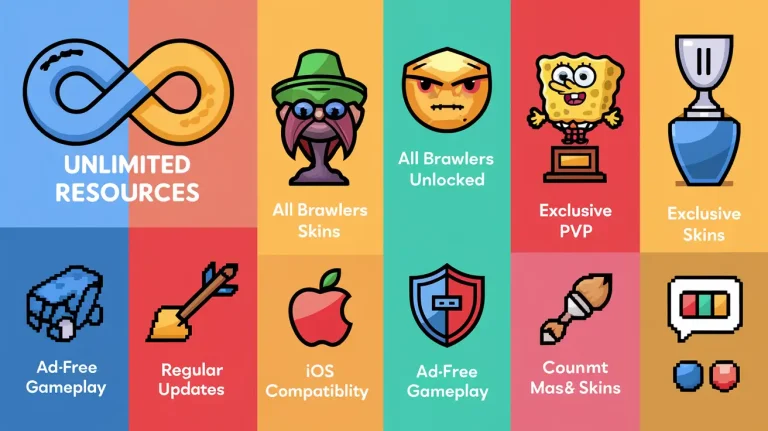
Unlimited Resources
Infinite gems, coins, and boxes from the first launch. No cooldowns, no caps, no waiting.
Max Level Brawlers
Start with every brawler unlocked and maxed out from day one. All star powers, gears, and abilities are instantly available, letting you customize and upgrade brawlers however you want for the ultimate battle experience.
All Skins Unlocked
Every seasonal and event skin including the new NanoNoodles and Windstock sets, plus all pins, sprays, and emotes. Free.
Brawl Pass and Pro Pass
Both passes are unlocked automatically. Season rewards just arrive.
Real Multiplayer
Lobbies are filled with actual players, not bots. 3v3, Showdown, Duels, Ranked, and the exclusive modes, all live against real opponents.
Null’s Connect Progress Saving
Link your email once and your progress survives reinstalls, certificate refreshes, and device changes. On iOS this matters more than anywhere else, more on that below.
No jailbreak, No ADS.
You sideload with standard Apple developer tooling. Your device stays stock, your warranty stays intact, and there are no ads anywhere in the game.
Advanced Server Features
Explore unique private servers like reBrawl, Atrasis, Lwarb, and CoCServer, each offering unlimited resources and exclusive features of popular Supercell games. Enjoy stable connections, quick matchmaking, and specialized game modes while maintaining the smooth performance that iOS users expect.
The 7-Day Certificate Problem (Read This Before Installing)
This is the one thing every iOS player needs to understand, and most guides bury it. When you sideload an app with a free Apple ID, Apple signs it with a certificate that expires after 7 days. When it expires, Null’s Brawl simply won’t open until it’s re-signed. Your progress is not lost, the app just needs a refresh. You have three options:
AltStore (recommended for most people)
AltStore re-signs your apps automatically in the background whenever your iPhone is on the same Wi-Fi as your computer running AltServer. Set it up once and you’ll mostly forget the 7-day limit exists.
Manual refresh with Sideloadly
Reconnect your iPhone to your computer every week and re-run the same install with the same IPA. Takes under three minutes, and Null’s Connect keeps everything intact.
Paid Apple Developer account
Costs money annually, but certificates last a full year. Overkill for most players; worth it if you refuse to touch a cable weekly.
If you install through a service that uses shared enterprise certificates (like Scarlet), the timeline is different: the app works until Apple revokes that certificate, which happens unpredictably. When it does, the app crashes on launch and you reinstall. Annoying, but your Null’s Connect progress comes straight back.
Requirements for Downloading
Null’s Brawl iOS
Before installing Null’s Brawl on your iOS device, ensure you meet these requirements: The game IPA is user-friendly and easy to install.
How to Enable Developer Mode (iOS 16 and Newer)
Apple requires Developer Mode for sideloaded apps on iOS 16+. Do this first or the game won’t launch:

How to Install Null’s Brawl
on your iOS Devices
Method 1 — Sideloadly (Most Reliable)

A tip from experience: use a throwaway Apple ID for sideloading rather than your main one. Not because anything bad happens, it just keeps things tidy and avoids 2FA friction during weekly refreshes.
Method 2 — AltStore (Set-and-Forget Renewals)
From then on, AltStore refreshes the certificate automatically whenever your device shares Wi-Fi with the computer running AltServer. This is the closest iOS gets to a permanent install.
Method 3 — Scarlet (No Computer Required)
How to Update Without Losing Progress
Null’s Connect on iOS
Null’s Connect is the account system that saves your progress on the private server, similar to Supercell ID. On iOS it isn’t optional in practice: certificate refreshes and reinstalls are part of life here, and Null’s Connect is what makes them painless.
Is Null’s Brawl Safe for iOS?
While Null’s Brawl for iPhone offers exciting features, it’s important to understand the potential risks:
Null’s Brawl Game Modes on iOS
Every mode from the Android build is here: Gem Grab, Brawl Ball (3v3 and 5v5), Showdown (Solo/Duo/Trio), Heist, Bounty, Hot Zone, Wipeout, Knockout, Duels, Power League, Ranked, Map Maker, MOBA-style Brawl Arena, and the rotating special events.
The v69.252 exclusives are the highlight right now: the Brawler Blast unlock system, the Duolingo boss mode for up to 20 players, Hide and Seek with the Prop Hunt modifier, and the Royal Academy and Brawl-O-Ween seasonal content. Nothing is time-gated, every mode is open from your first session.
Null’s Brawl iOS Ranks and Rewards
In Null’s Brawl iOS, players are ranked based on their trophy count, which they earn from winning battles. As players advance, they unlock better rewards and compete with other top-tier players. Here’s a breakdown of the trophy ranges and the corresponding rewards:
| Rank | Trophy Range | Rewards | Title |
| Bronze I | 0 – 499 | 10 Coins, 1 Brawler Box | Beginner rank |
| Bronze II | 500 – 999 | 20 Coins, 2 Brawler Boxes | Novice rank |
| Silver I | 1000 – 1499 | 30 Coins, 3 Brawler Boxes | Intermediate rank |
| Silver II | 1500 – 1999 | 40 Coins, 4 Brawler Boxes | Skilled rank |
| Gold I | 2000 – 2499 | 50 Coins, 5 Brawler Boxes | Experienced rank |
| Gold II | 2500 – 2999 | 60 Coins, 6 Brawler Boxes | Advanced rank |
| Platinum I | 3000 – 3499 | 70 Coins, 7 Brawler Boxes | Elite rank |
| Platinum II | 3500 – 3999 | 80 Coins, 8 Brawler Boxes | Top-tier rank |
| Diamond I | 4000 – 4499 | 90 Coins, 9 Brawler Boxes | High-level rank |
| Diamond II | 4500 – 4999 | 100 Coins, 10 Brawler Boxes | Highly skilled rank |
| Champion | 5000+ | 150 Coins, 12 Brawler Boxes, Exclusive Badge | Top-rank, competitive players |
Troubleshooting: Real Fixes for Real Problems
App crashes immediately on launch. Your certificate expired (7-day free Apple ID) or was revoked (Scarlet). Re-sign with Sideloadly/AltStore, or reinstall via Scarlet once their new certificate is out. Progress returns through Null’s Connect.
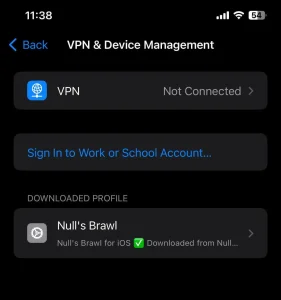
“Untrusted Developer” or no profile appears. Go to Settings > General > VPN & Device Management and trust the profile. If nothing’s listed, restart both devices, reconnect by USB with the phone unlocked, and re-run the install.
Sideloadly error 0xe8008015. Certificate signing failed. Sign out of your Apple ID inside Sideloadly, wait a few minutes, sign back in, retry. If it persists, a fresh free Apple ID made just for sideloading usually clears it.
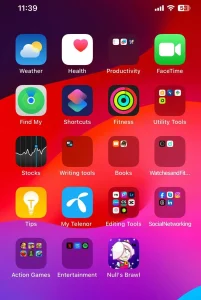
Icon missing after install. Check the App Library (swipe past your last home screen page). If it’s genuinely absent, the install failed silently, run it again and watch for errors.
Missing content (modifiers, shop boxes) under LiveContainer. Known issue, confirmed fix: clean reinstall of the latest v69.252 iOS build. Null’s Connect restores everything.
Can’t connect to the server. Toggle between Wi-Fi and mobile data, force-quit and relaunch, and check that Settings > General > Date & Time is set automatically — wrong clock settings break server authentication more often than you’d think.
Null’s Connect email never arrives. Check spam, wait five minutes, retry. Gmail addresses are the most reliable with our verification system.